
 CA
CA


Today, the desktop login screen has been quietly replaced by a thumb, a phone, and whatever couch, bus seat, or Tim Hortons line a person happens to be standing in. Royalxo built its whole mobile setup around that shift instead of bolting a smaller version of the desktop site onto a phone and calling it a day.
The Royalxo mobile app runs the same lobby, cashier, and live tables as the desktop version, just squeezed into a screen you can hold with one hand while the other holds a coffee. Getting the app takes about ninety seconds — players who want to download Royalxo app on Android can grab the APK file directly from the official casino website, while iPhone users can install a progressive web app (PWA) that behaves like a real mobile application once it’s parked on the home screen.
Neither option depends on an app-store listing, which is usually marred by the red tape surrounding real-money gambling apps. Below is a complete guide to getting the Royalxo app, along with the requirements for running it smoothly, plus a rundown of the overall mobile play experience.
Royalxo App for Android
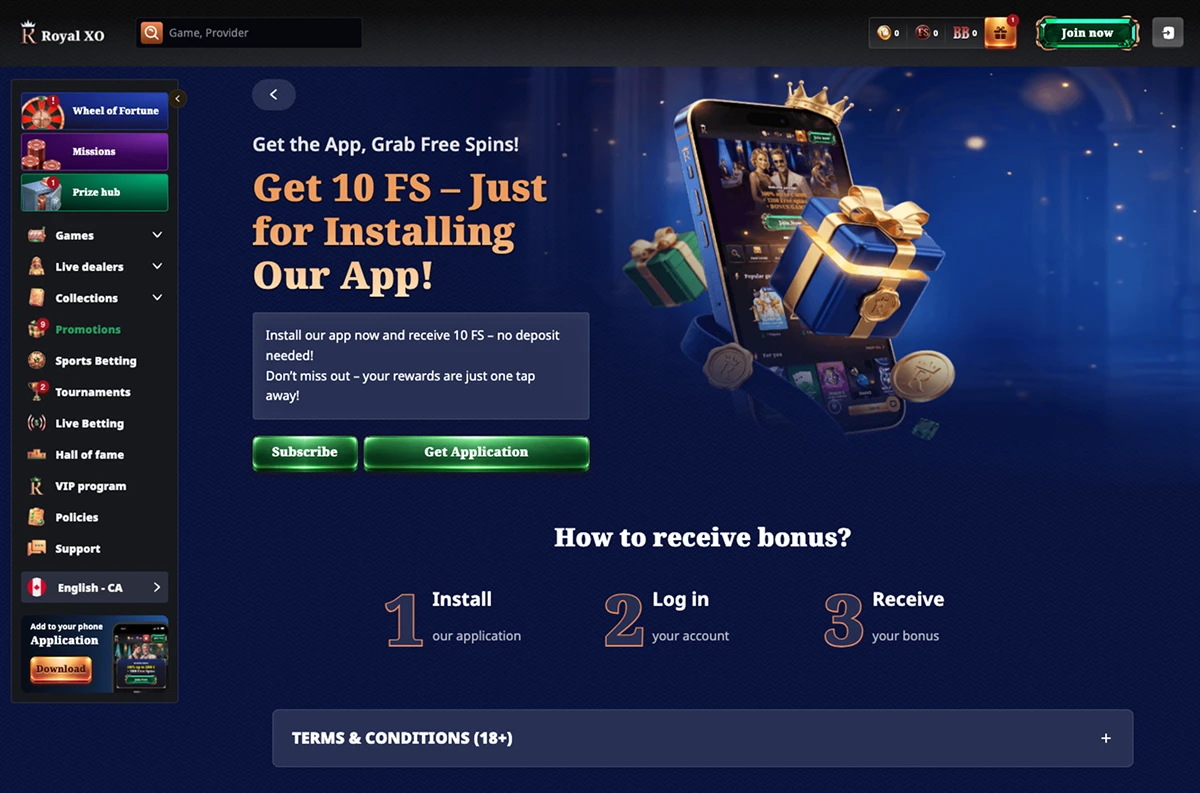
Android owners get the first pick of the litter here. You can install a straightforward APK for anyone who wants an icon on their home screen like any other app, or use a PWA route if you’d rather skip the installer altogether.
The Royalxo APK is the heavier of the two in terms of setup, but it behaves exactly like a store-downloaded app once it’s in: instant launch, no browser tab hanging around in the background, full access to account tools, bonuses and games.
How to Download and Install?
For the APK route:
- Open your phone’s browser and head to the official Royalxo website.
- Find the “Download for Android” button on the homepage.
- Tap it, and choose the APK file when prompted.
- Once it finishes downloading, open the file from your Downloads folder. Android will likely ask permission to install from unknown sources — that’s normal for any file that isn’t coming from the Play Store, so switch it on.
- Confirm the install and give it a few seconds to finish.
That’s the whole process to download Royalxo APK onto an Android phone — no technical detours required. Once installed, the icon lands on your home screen like any other app, ready for you to log in or set up a new account.
For players who prefer to skip the file download altogether, open the website in Chrome, tap the three-dot menu in the top corner, and choose “Add to Home Screen.” Confirm it, and a shortcut icon appears that opens the casino in full screen, just like the APK version, minus the installation step. It also updates itself quietly in the background, so there’s never a “new version available” pop-up interrupting a good run at the reels.
Compatible Devices
Royalxo app doesn’t demand flagship hardware. Most phones from the last several years handle it without breaking a sweat:
- OS: Android 10.0 or newer.
- Storage: Around 150 MB of free storage for the APK.
- RAM: At least 2 GB.
- Connectivity: A steady internet connection, preferably 4G, 5G or Wi-Fi.
- An up-to-date browser, with Chrome working best for the PWA route.
Samsung, Google Pixel, OnePlus, Xiaomi and most mid-range Android tablets all run it comfortably. The Royalxo app is clearly built for average hardware, not just the newest phone on the shelf.
Royalxo App for iOS
Apple keeps a tight grip on what real-money gambling apps can do inside its App Store, so Royalxo sidesteps that entirely with a PWA built specifically for iPhone and iPad. The Royalxo application installs straight from Safari and opens as any native app should.
How to Download and Install?
- Open Safari — this only works in Safari, not Chrome or another browser on iOS.
- Go to the Royalxo website.
- Tap the Share icon along the bottom of the screen (the square with an arrow pointing up).
- Scroll down and tap “Add to Home Screen.”
- Confirm, and you’re done.
The icon appears on the home screen like any downloaded app, and opening it launches a full-screen version of the casino with no browser bar, no address field, and nothing to remind you it started life as a website.
Compatible Devices
The Royalxo app will run comfortably on:
- iPhone running iOS 14 or later.
- iPad on iPadOS 14 or later.
- Safari kept reasonably up to date.
- A dependable internet connection.
The app interface stretches and resizes itself for whatever screen it lands on, so an iPhone SE and an iPad Pro both get a layout fit for their screens.
Join NowFeatures of the Royalxo Casino App
The casino’s mobile app isn’t a stripped-down version of the desktop site — it carries over nearly everything, just rearranged for a smaller screen and a thumb instead of a mouse. Every Royalxo app download comes with the following built in:
- Full game library access: Slots, table games, and live dealer rooms, all in one lobby.
- Smart cashier: Deposits and withdrawals happen inside the app, no separate banking page to hunt down.
- Push notifications: Bonus drops, free spins, and account alerts land directly on the lock screen.
- One-hand navigation: Menus sit within thumb’s reach, and switching between the lobby, cashier, and promotions takes a couple of taps at most.
- Account tools: Update personal details, track bonus progress, and review transaction history without digging through settings.
- Search bar: Typing a game title beats scrolling through a few thousand slots to find it.
The app also holds onto your session, so reopening it after a coffee break drops you right back where you left off — no need to log in again or lose your progress.
How to Register on the Royalxo App
Signing up from a phone takes less time than reading this sentence aloud. The form is built for small screens, not shrunk down from a desktop layout that was never designed to fit them.
- Open the app or the PWA.
- Tap “Register.”
- Enter an email address and set a password.
- Choose CAD as your preferred currency.
- Fill in the basic personal details requested.
- Confirm you’re old enough to play and accept the terms.
- Submit the form.
The account activates right away, and the lobby opens immediately after. Identity verification usually comes later, typically triggered around a first withdrawal, and it’s a quick upload of identity documents rather than a scavenger hunt.
Join NowMobile Website Version: Avoid the Downloads
Not everyone wants another icon cluttering up their home screen, and Royalxo doesn’t force the issue. Players who’d rather not download Royalxo at all can just open the site in any mobile browser and get the identical experience — same games, same cashier, same live tables — without giving up an inch of storage.
The layout adjusts itself automatically to whatever screen it’s opened on, no pinching or zooming required. Its only real trade-off against the installed versions is convenience: the browser route means typing the address each time (or bookmarking it), rather than tapping straight in from a home screen icon. Gameplay itself doesn’t change one bit between the two.
Mobile Games to Play on Royalxo App
Royalxo’s mobile lobby carries the same weight as the desktop version — nothing gets left behind just because the screen shrank. Most titles run on HTML5, so slots, table games, and live rooms all load and resize themselves for a phone without a hitch.
Slot fans get thousands of titles to pick from, spanning classic three-reel machines through to sprawling progressive jackpots. A few worth starting with:
- Sugar Rush 1000.
- Gates of Olympus Super Scatter.
- Big Bass Splash.
- Book of Dead.
- Aviator.
Live dealer tables stream from studio floors and hold up well even on average Wi-Fi or mobile data, with a lite-streaming mode kicking in automatically if the signal dips.
Popular live dealer options include:
- Gates of Olympus Roulette.
- Aurora Blackjack.
- Bet on Teen Patti.
- Turbo Baccarat Live.
- Game-show titles like Crazy Time, Monopoly Live, and Sweet Bonanza Candyland.
Classic table games — blackjack, roulette, baccarat, poker — round things out with touch-friendly layouts built for fingers instead of a mouse cursor. Whichever version of the Royalxo app you’re running, the game selection doesn’t get watered down for mobile.
Join NowCommon Questions
Is the Royalxo App Free to Download?
Yes. There’s no cost to install it on Android or iOS, and no subscription attached. You’ll just need enough storage space and a working internet connection.
Do I Need to Install Anything to Play on My Phone?
No. The mobile website covers every game and feature the app has, right through a regular browser. Installing is purely about convenience, not access.
Will I Lose Any Games By Playing on Mobile Instead of Desktop?
No. Slots, live dealer rooms, and table games all carry over. A handful of older titles may run better on a larger screen, but the core library stays the same across devices.